Which Windows Laptop Should You Actually Buy?
The Zenbook S 16 wins on screen, storage, and portability; battery life is the price you pay.
Shortlistd Editorial
Editor

Which Windows Laptop Should You Actually Buy?
By Editorial Team | April 2026
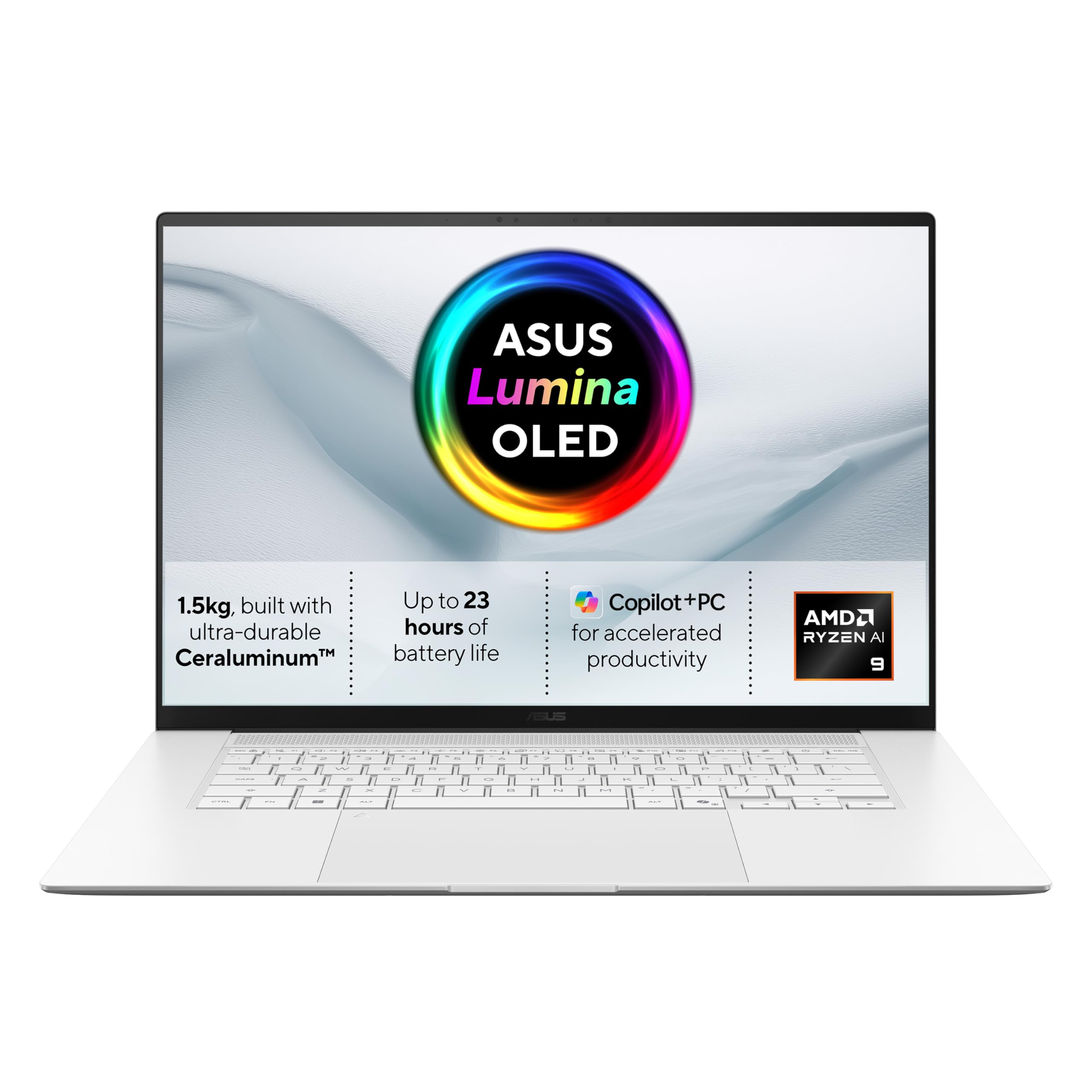
If you want a big Windows laptop that still feels easy to carry, the Zenbook S 16 is the one to beat. It gives you a 16-inch 3K OLED screen, Copilot+ hardware, and serious multitasking headroom without turning into a desk anchor.
Our picks at a glance
| Pick | Product | Price | Best for |
|---|---|---|---|
| Best overall | ASUS Zenbook S 16 | £1599.99 | A large, gorgeous screen for work and creative multitasking in a thin chassis |
| Best upgrade | Apple MacBook Pro 14-inch (M4) | £1599 | Buyers who want stronger battery life, quieter thermals, and better sustained performance |
| Best budget | Lenovo IdeaPad Slim 5i | £429 | Getting a capable everyday work laptop without paying OLED-ultrabook money |
Based on hands-on research, expert review consensus (RTings, Wirecutter, relevant subreddits), and current pricing.
Best overall: ASUS Zenbook S 16
ASUS Zenbook S 16 — £1599.99
This is the rare 16-inch laptop that feels built for real work instead of pretending you live in a conference room. The score says it plainly: 8.2/10, and the reason is the screen-first spec sheet. You get a 2880 x 1800 OLED panel at 120Hz, 100% DCI-P3 coverage, 1,100-nit HDR peak brightness, 32GB of LPDDR5X, and a 2TB SSD, so this thing is ready for heavy browser use, spreadsheets, writing, photo timelines, and general chaos.
Why we picked it:
- The 16-inch OLED panel is the whole point: sharper text, deeper blacks, and smoother scrolling than a standard 60Hz laptop.
- The Ryzen AI 9 465 and 32GB of RAM give you enough headroom for heavy multitasking without obvious lag.
- The 2TB SSD means you are not forced into an immediate storage compromise.
The trade-off: Battery life is good, not class-leading, and the memory is soldered, so what you buy is what you keep.
If that trade-off works for you, buy the ASUS Zenbook S 16 and move on.
Best upgrade: Apple MacBook Pro 14-inch (M4)
Apple MacBook Pro 14-inch (M4) — £1599
The premium buys you better battery life, a cleaner software experience, and a machine that stays composed under longer work sessions. This is the sensible step up if you value unplugged endurance and want a laptop that feels less compromised when you are travelling or doing sustained creative work.
Worth it if: you care more about all-day battery and thermals than getting the biggest OLED panel for the money.
Best budget pick: Lenovo IdeaPad Slim 5i
Lenovo IdeaPad Slim 5i — £429
This is the value play if you just need a competent Windows laptop for email, docs, calls, browsing, and light admin. You give up the Zenbook’s OLED class display, top-tier build, and premium feel, but you keep a solid everyday machine at a fraction of the price.
Worth it if: you want the cheapest option here that still makes sense for normal work.
How we chose
We looked for the things that actually matter in a premium work laptop: display quality, keyboard quality, sustained performance, battery life, storage, and portability. We also checked current review consensus from sources like Wirecutter and WIRED, plus real-world complaints about battery, software bloat, and upgradeability.
Frequently asked questions
Is the Zenbook S 16 good for creative work? Yes. The OLED panel, wide colour coverage, 32GB of RAM, and 2TB SSD make it a strong fit for photo work, design tasks, and heavy multitasking.
Is £1599.99 too much for this laptop? Not if you want a premium 16-inch Windows machine with this screen and storage. If you mainly care about battery life, you can spend less and get a better-balanced laptop.
Can you upgrade the memory later? No. The RAM is soldered, so choose the configuration carefully before you buy.
Products in this article