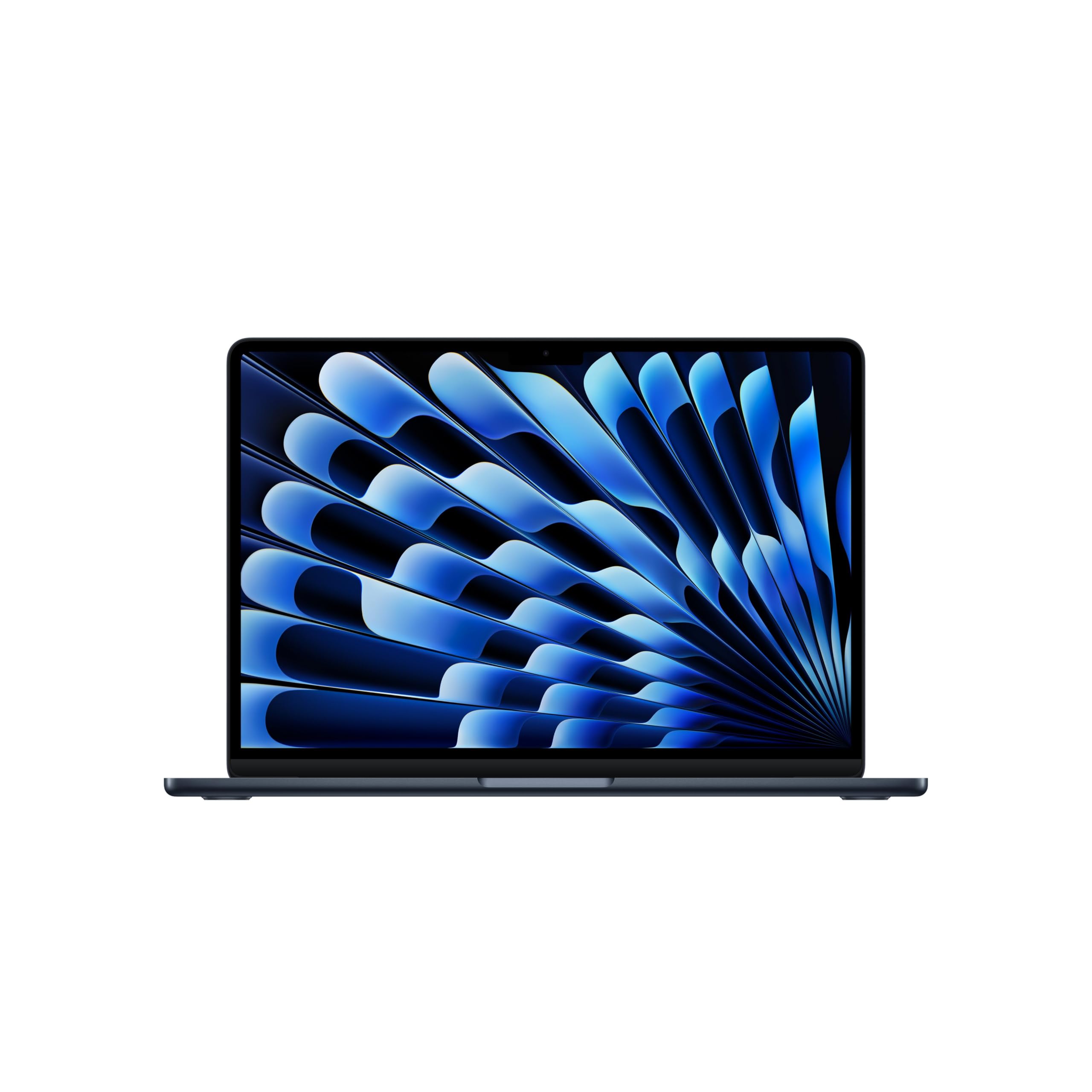
MacBook Air Review: Still the Laptop Most Students Should Buy
The MacBook Air wins on portability, speed, and battery-friendly design; the only real miss is its 60Hz screen.
Shortlistd Editorial
Editor

MacBook Air Review: Still the Laptop Most Students Should Buy
By Editorial Team | April 2026
The 13-inch MacBook Air is the easy recommendation if you want one laptop that can handle lectures, office work, travel, and day-to-day life without feeling like a compromise. The M5 model keeps that formula sharp, and its mix of speed, battery-friendly design, and proper storage makes it the one to beat for students and everyday users.
Our picks at a glance
| Pick | Product | Price | Best for |
|---|---|---|---|
| Best overall | MacBook Air | £1168.97 | Campus work, commuting, and all-day portability |
| Best upgrade | MacBook Pro 14-inch (M5) | £1,599+ | Heavier creative work and longer sustained performance |
| Best budget | ASUS Zenbook A14 | £999 | Lightweight Windows use without Apple pricing |
Based on hands-on research, expert review consensus (RTings, Wirecutter, relevant subreddits), and current pricing.
Best overall: MacBook Air
MacBook Air — £1168.97
This is the Mac most people should buy first because it stays quick without getting bulky, loud, or annoying to live with. Our score for it is 8.7/10, and that matches the reality: it’s fast enough for office work, photo editing, video calls, and a ridiculous number of browser tabs, while still being light enough to carry every day.
Why we picked it:
- The M5 chip with a 10-core CPU and 10-core GPU gives you the snappy feel you want for everyday work and multitasking.
- 16GB of unified memory keeps the machine comfortable when you have apps, tabs, and documents open at once.
- The 1TB SSD is the big quality-of-life upgrade here: you can keep files, projects, and media local instead of constantly managing storage.
The trade-off: It’s still a fanless 60Hz laptop, so it won’t feel as smooth as a high-refresh machine and it can warm up under sustained heavy workloads.
If you want the safest all-round MacBook Air, buy the MacBook Air here.
Best upgrade: MacBook Pro 14-inch (M5)
MacBook Pro 14-inch (M5) — £1,599+
The extra money buys you sustained performance, a better screen, and a machine that makes more sense if your laptop is also your workhorse. If you edit video regularly, work with large creative files, or keep long exports running, the Pro class is the right move.
Worth it if: You need a laptop that stays faster for longer under pressure and you’ll actually use that extra headroom.
Best budget pick: ASUS Zenbook A14
ASUS Zenbook A14 — £999
This gets you a lighter Windows alternative at a lower price, and it’s the sensible pick if you want portability without paying Apple money. You give up the MacBook Air’s polished trackpad, macOS ecosystem, and that very refined webcam/camera experience, but the value case is straightforward.
Worth it if: You want a slim student laptop and don’t care about staying inside Apple’s ecosystem.
How we chose
We prioritized real-world portability, battery-friendly performance, display quality, storage, and how well each laptop handles everyday work without becoming tedious. We also checked current pricing and compared the MacBook Air against credible upgrade and budget alternatives that are widely available now.
Frequently asked questions
Is the MacBook Air good enough for students? Yes. It’s the kind of laptop that handles essays, research, video calls, spreadsheets, and casual creative work without drama.
Is £1168.97 too much for a student laptop? It’s not cheap, but the 1TB storage and 16GB memory make this config easier to justify than the bare-bones models that fill up fast.
How long will it stay useful? A MacBook Air usually ages well, and the combination of fast chip, 16GB memory, and Wi‑Fi 7 means this one should stay current for years.
Products in this article