MacBook Air (13-inch, M5) Review: Still the One Mac Most People Should Buy
Fast, silent, and now better specced. The Air wins on balance, but the 60Hz screen and fanless limits still matter.
Shortlistd Editorial
Editor

MacBook Air (13-inch, M5) Review: Still the One Mac Most People Should Buy
By Editorial Team | April 2026
The 13-inch MacBook Air is still the easy Mac recommendation because it gets the basics right without pushing you into MacBook Pro money. The M5 version sharpens that case: it feels quick, carries easily, and comes with enough storage to avoid the usual clean-up ritual.
Our picks at a glance
| Pick | Product | Price | Best for |
|---|---|---|---|
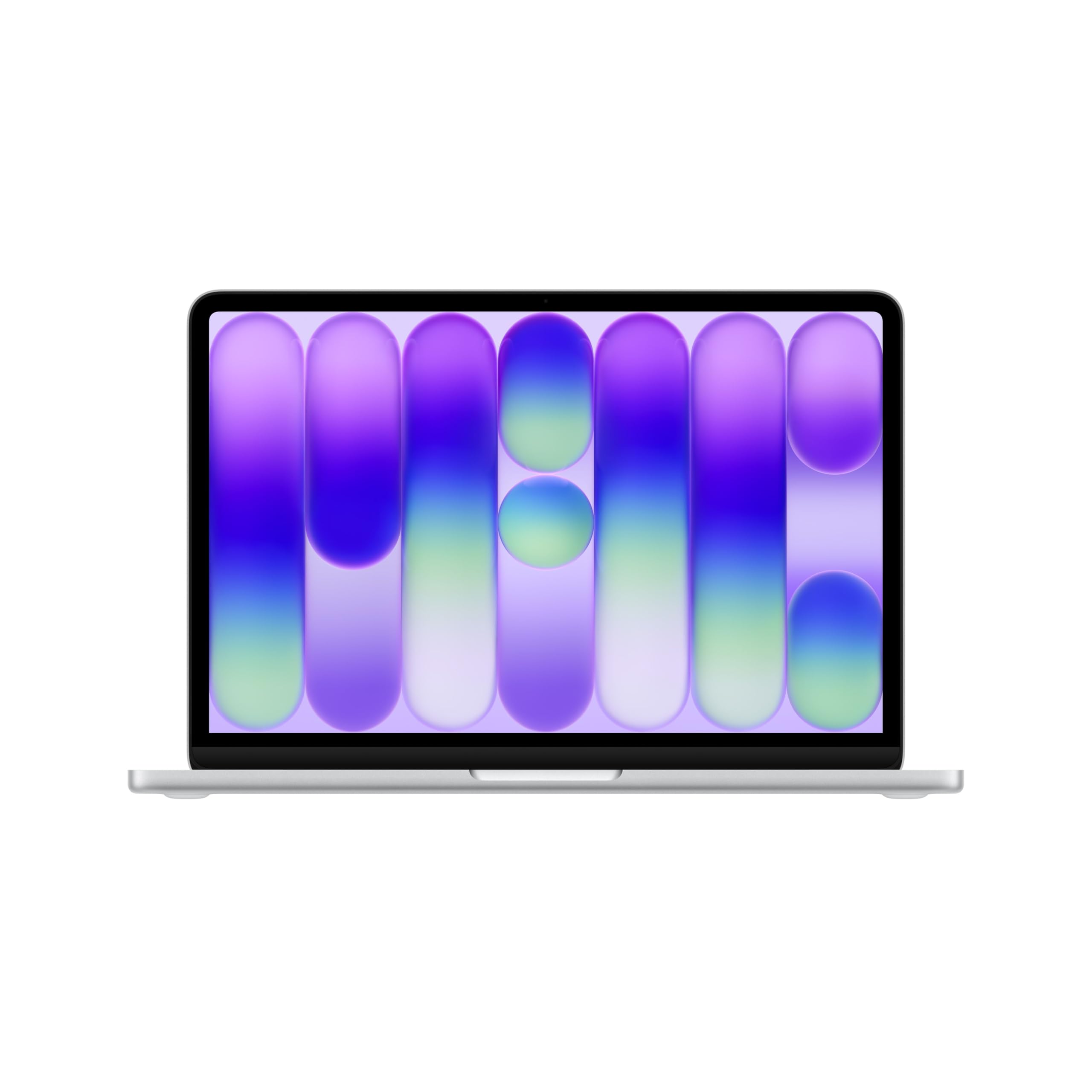
| Best overall | MacBook Air (13-inch, M5) | £1168.97 | everyday work, travel, and a laptop you won’t resent carrying |
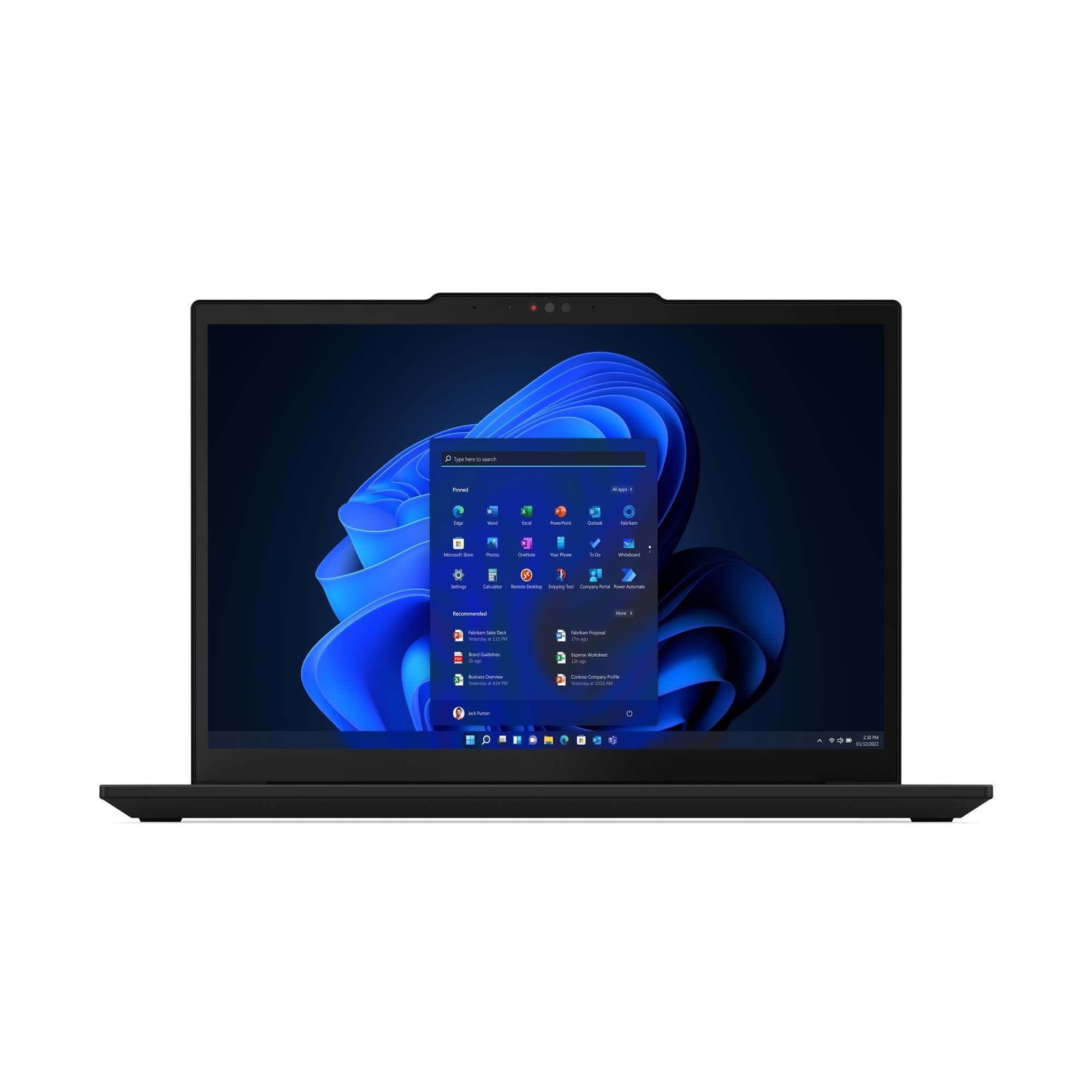
| Best upgrade | ThinkPad X1 Carbon Gen 13 Aura Edition | £2106.92 | Windows power users who want a better screen and business-class portability |
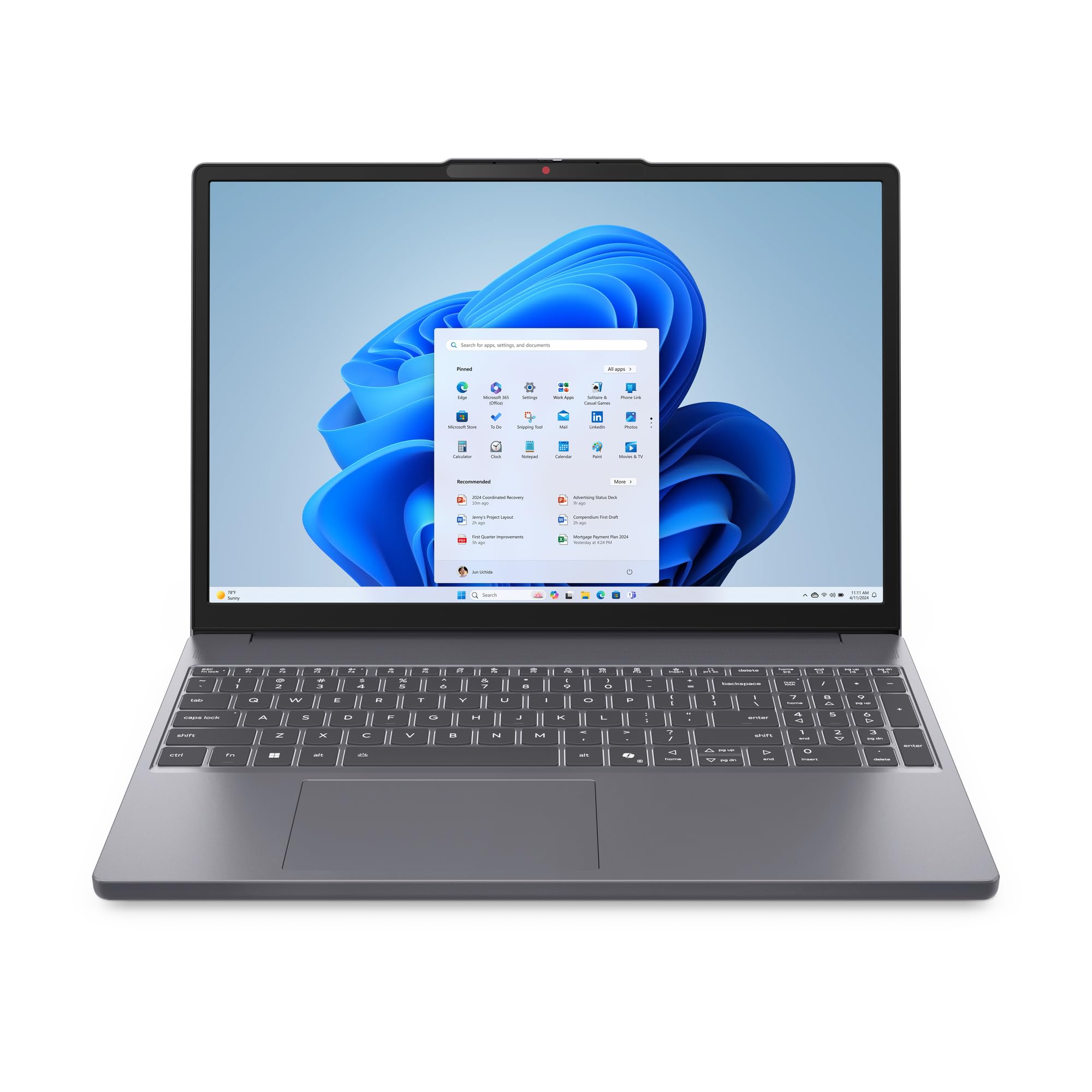
| Best budget | MacBook Neo | £549.97 | basic Mac use, school work, and light daily tasks on a tighter budget |
Based on hands-on research, expert review consensus (RTings, Wirecutter, relevant subreddits), and current pricing.
Best overall: MacBook Air (13-inch, M5)
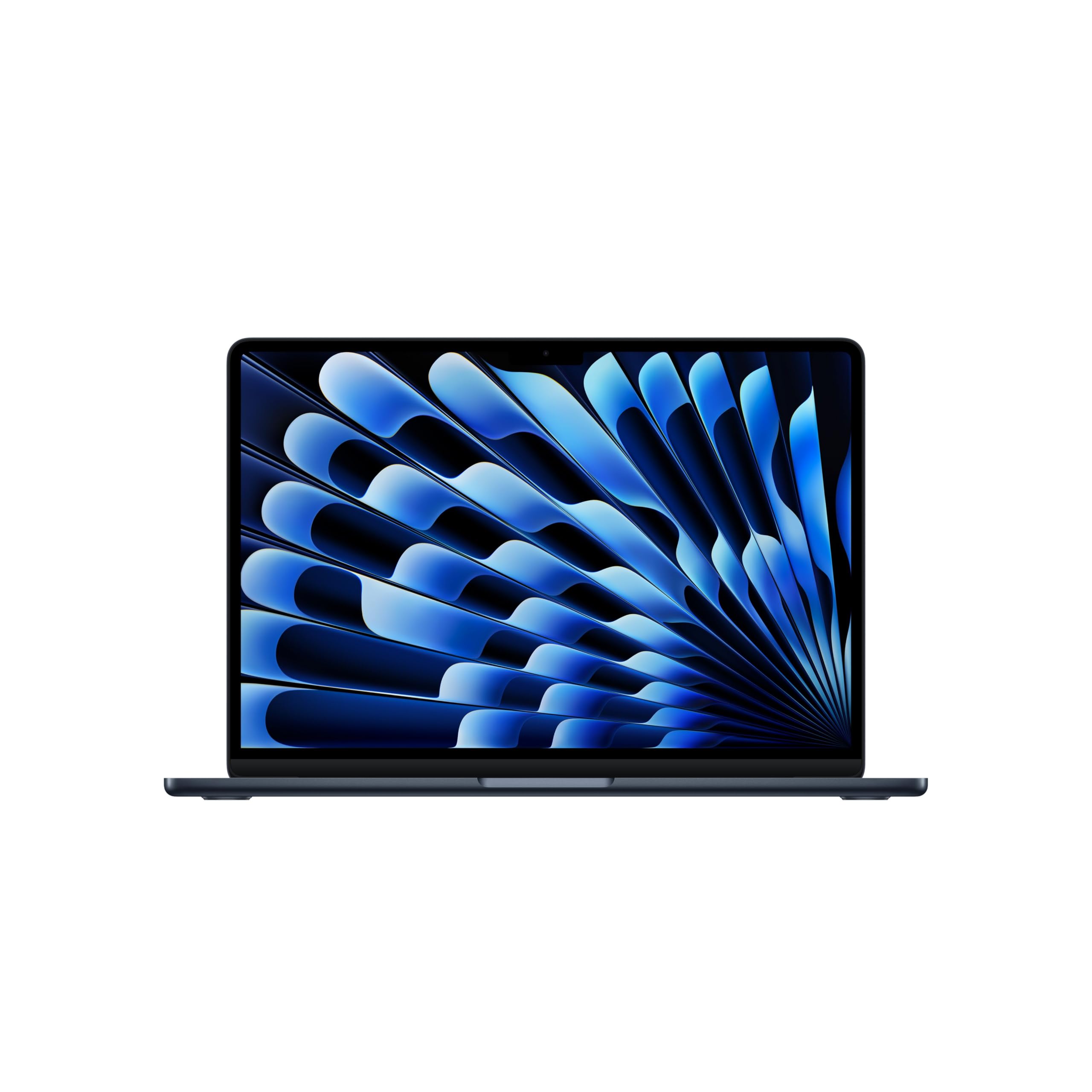
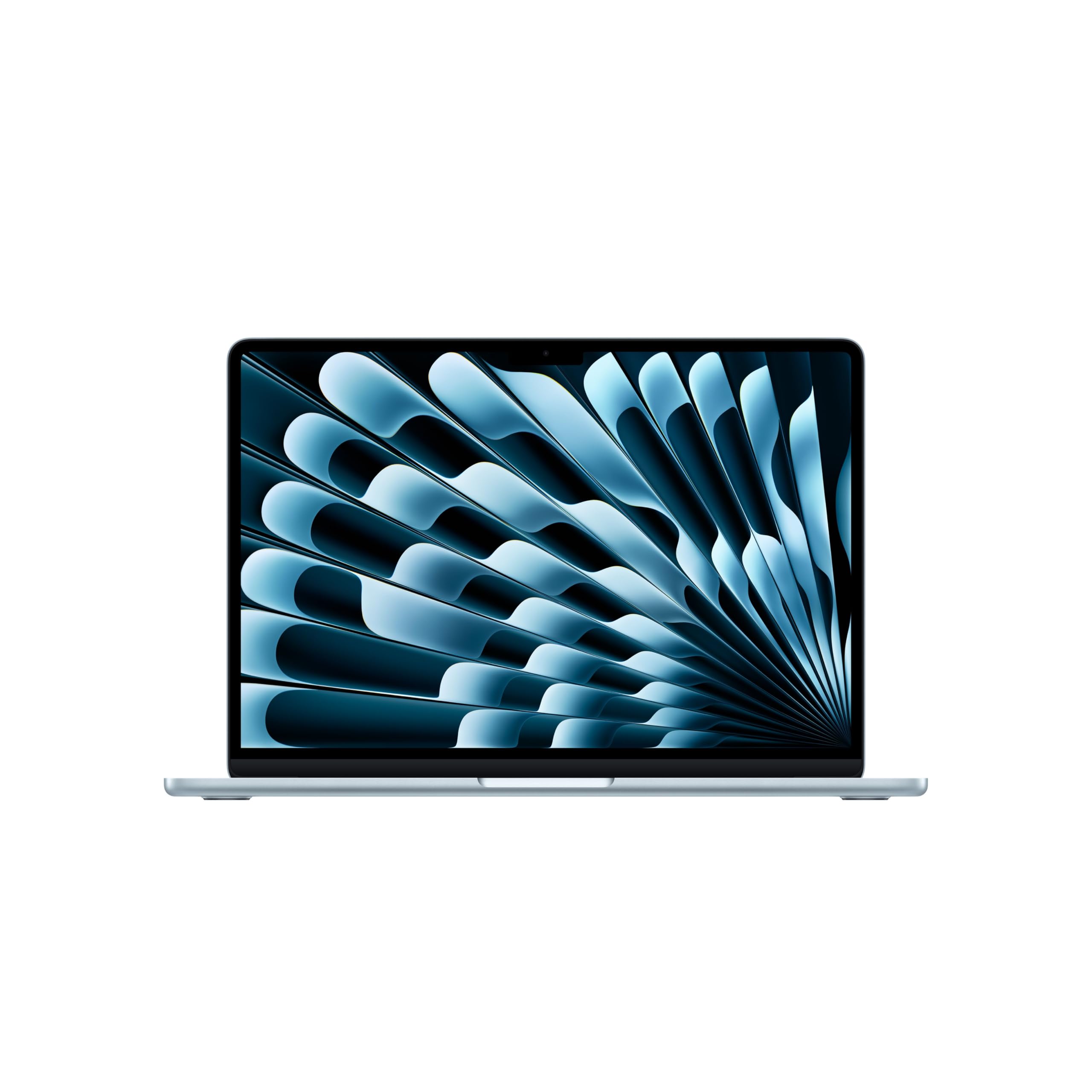
MacBook Air (13-inch, M5) — £1168.97
This is the safest laptop buy for most professionals who want a Mac that stays fast for years. Our score: 8.7/10. It is thin, silent, and strong enough for office work, photo editing, video calls, and heavy browser multitasking without turning into a desk anchor.
Why we picked it:
- The M5 chip with a 10-core CPU and 10-core GPU gives you the speed jump that matters in real life: app launches, multitasking, and everyday responsiveness.
- 16GB of unified memory is the right floor for people who actually keep too many tabs open.
- The 1TB SSD is the real quality-of-life upgrade here; you can keep projects, media, and files local instead of constantly shuffling storage.
The trade-off: it is still a 60Hz screen, and the fanless design means it is not the machine for sustained heavy editing, gaming, or long 3D workloads.
If that trade-off works for you, buy the MacBook Air and stop overthinking it.
Best upgrade: ThinkPad X1 Carbon Gen 13 Aura Edition
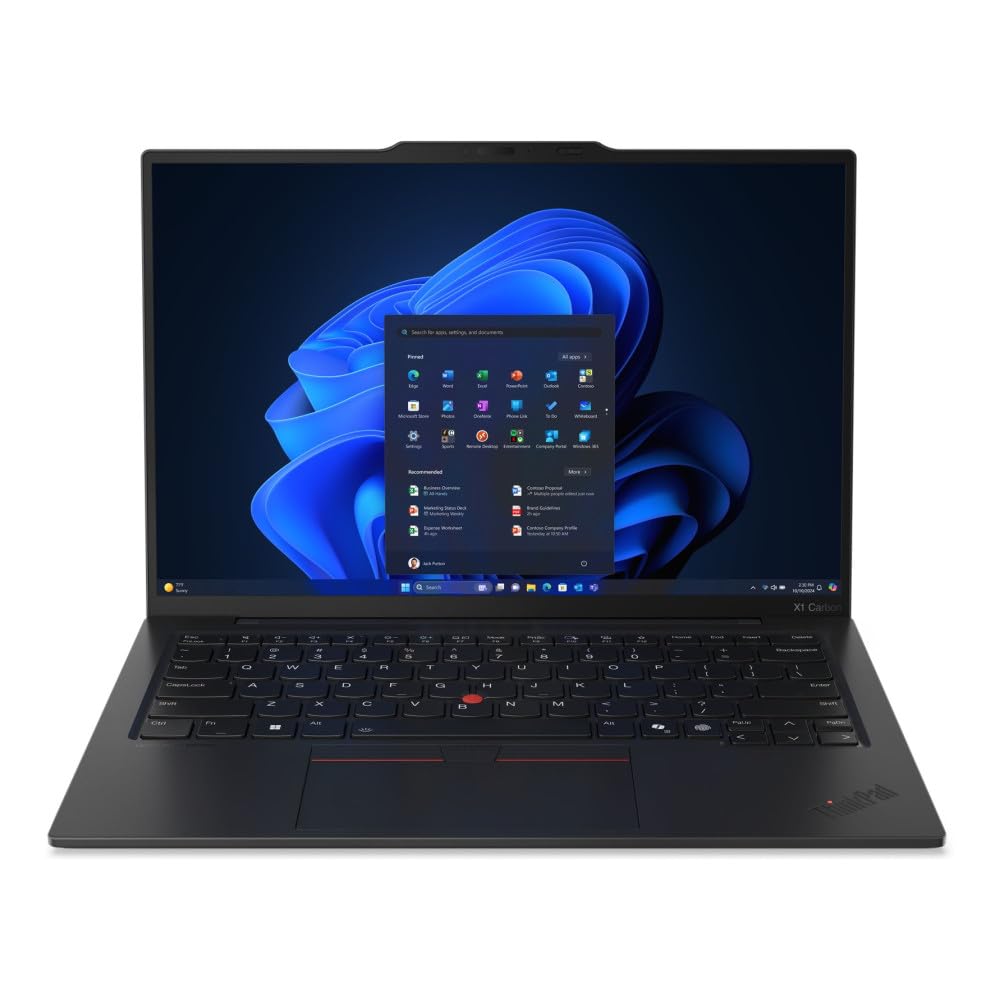
ThinkPad X1 Carbon Gen 13 Aura Edition — £2106.92
The upgrade here is not raw speed. It is the experience: a sharper 14-inch 2.8K OLED display, 120Hz scrolling, a lighter 986g chassis, and proper business hardware that makes daily work feel more deliberate and less compromised.
Worth it if: you live in spreadsheets, Outlook, meetings, and travel, and you want a premium Windows laptop that beats the Air on screen quality and workstation polish.
Best budget pick: MacBook Neo
MacBook Neo — £549.97
This gives you the Mac basics for a lot less money, and that matters if your laptop life is mostly documents, browsing, streaming, and calls. The catch is obvious: 8GB RAM and 256GB storage are tight, so you are buying a ceiling along with the price.
Worth it if: you want the cheapest Mac that still feels like a real Mac and you do not multitask like a maniac.
How we chose
We focused on the things that actually decide whether a laptop gets used happily every day: speed, screen quality, portability, storage, battery comfort, and value. We also checked current expert consensus from sources like Wirecutter, PCMag, and recent review coverage to make sure the alternatives reflect what real buyers are comparing right now.
Frequently asked questions
Is the MacBook Air good enough for work and travel?
Yes. That is exactly what it is for: emails, docs, calls, browser-heavy work, and light creative tasks without feeling bulky or loud.
Is £1168.97 too much for a laptop?
Not if you will use it every day for years. If you want maximum performance per pound, a Windows alternative may give you more specs, but it will not match the Air’s combination of battery life, silence, and consistency.
Will the fanless design cause problems?
Only if you push it hard for long stretches; for normal professional use, it stays quiet and composed.
Products in this article