Logitech MX Keys S Review: Quiet, Comfortable, and Built for Device‑Hopping
Low‑profile, multi‑device keyboard that nails laptop‑style typing and smart shortcuts — ideal for professionals who switch devices.
Shortlistd Editorial
Editor
By Editorial Team | April 2026
Intro
The Logitech MX Keys S is our top pick for people who spend the day switching between a laptop, tablet and desktop. It wins because it delivers near‑laptop typing comfort, reliable multi‑device switching, and programmable Smart Actions that actually save time — all for £89.98 (score: 8.3/10).
Our pick: Logitech MX Keys S
Logitech MX Keys S — £89.98
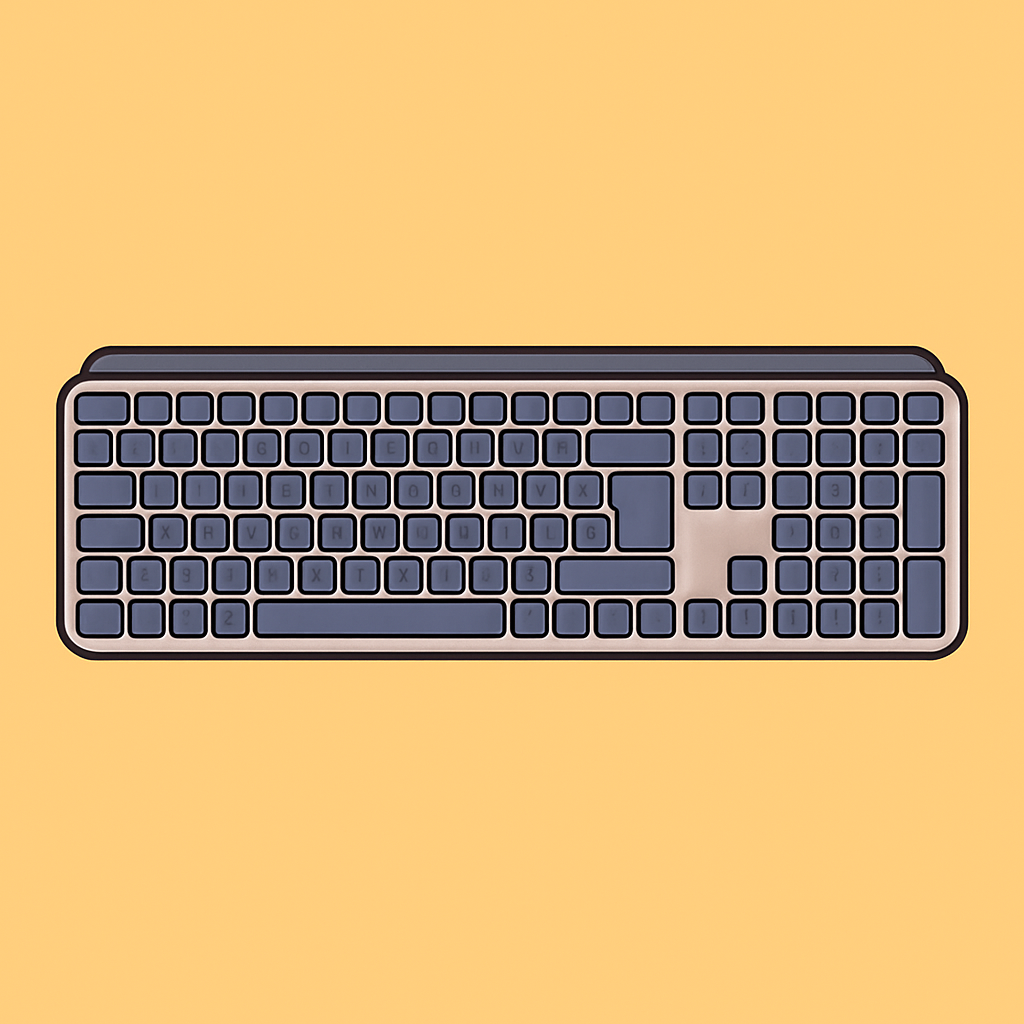
This keyboard makes the part of your day where you type less annoying. The low‑profile, spherically‑dished "Perfect Stroke" keys feel like the best laptop keyboard you’ve used — stable, quiet and forgiving during long sessions — while the Logi Bolt receiver plus Bluetooth and USB‑C mean you can pair three devices and swap between them without fuss.
Score: 8.3/10
Why it works:
- Laptop‑style typing that lasts: the low‑profile, spherically‑dished keys reduce fatigue and mistypes, so long documents and emails feel easier (feature rating: Typing Experience 5/5).
- Smart backlighting and long battery: hand‑proximity sensors and auto‑brightness keep the keys visible only when needed; Logitech rates 10 days with backlight on or up to 5 months with it off (Battery and Backlighting 4/5 each).
- Workflow automation and reliable connections: Smart Actions in the Options+ app and Easy‑Switch for up to three devices cut repetitive tasks to a single keystroke, and you get a Logi Bolt receiver plus Bluetooth and USB‑C for wired charging.
The honest trade‑off: no adjustable height or integrated wrist rest, and it’s not a mechanical or RGB keyboard — it’s built for quiet productivity, not gaming or hardcore customisation.
Buy it if you want a comfortable, rechargeable keyboard that speeds cross‑device workflows: https://www.amazon.co.uk/Logitech-Programmable-Backlighting-Bluetooth-Rechargeable/dp/B07W4DG9WN?tag=tomisindev-20
Best upgrade: Logitech MX Mechanical
Logitech MX Mechanical — ~£169
The MX Mechanical is the step up if you want actual mechanical switches. It gives you tactile (or clicky/linear) low‑profile switches, an aluminium top plate and a firmer, more satisfying press — ideal if typing feel and switch choice matter more than silence.
Worth it if: you type all day and want a mechanical switch option without losing the multi‑device features and backlighting.
Best budget pick: Logitech K380
Logitech K380 — ~£34.99
The K380 pares things back: compact, reliable Bluetooth switching between three devices and excellent value. It sacrifices full‑size layout, backlighting and the laptop‑like key shape, but if you want cheap, portable multi‑device typing that simply works, this is it.
Worth it if: you primarily need a low‑cost, compact keyboard for casual multi‑device use.
How we chose
We prioritised what actually matters for a productivity keyboard: typing feel, cross‑device switching, battery life, backlighting behaviour and software programmability. Selections were validated against reviews from outlets such as Tom’s Guide and RTINGS, Logitech’s specs, and real‑user feedback on reliability and shortcuts.
Frequently asked questions
Is the MX Keys S better than a laptop keyboard? Yes — it recreates the low‑profile, stable keyfeel of a good laptop keyboard while adding full‑size layout and better multi‑device switching. It’s a clear upgrade if you do most of your typing on multiple machines.
Is £89.98 a fair price? Yes. It sits between cheap Bluetooth keyboards and pricey mechanical options; you’re paying for backlighting, long battery life, programmable Smart Actions and reliable Logi Bolt connectivity.
Will it work with my iPad/Windows machine and how long does the battery last? Yes — it supports Windows, macOS, Linux, ChromeOS and iPadOS via Bluetooth or the Logi Bolt receiver; battery is rated ~10 days with backlight on or up to five months with it off.
Verdict: If you regularly juggle multiple computers and value quiet, laptop‑style typing plus programmable shortcuts, the MX Keys S is the practical, well‑rounded choice. If you need mechanical switches or built‑in wrist support, look to the MX Mechanical or an ergonomic specialist.
Products in this article
