How to Choose a Laptop in 2026
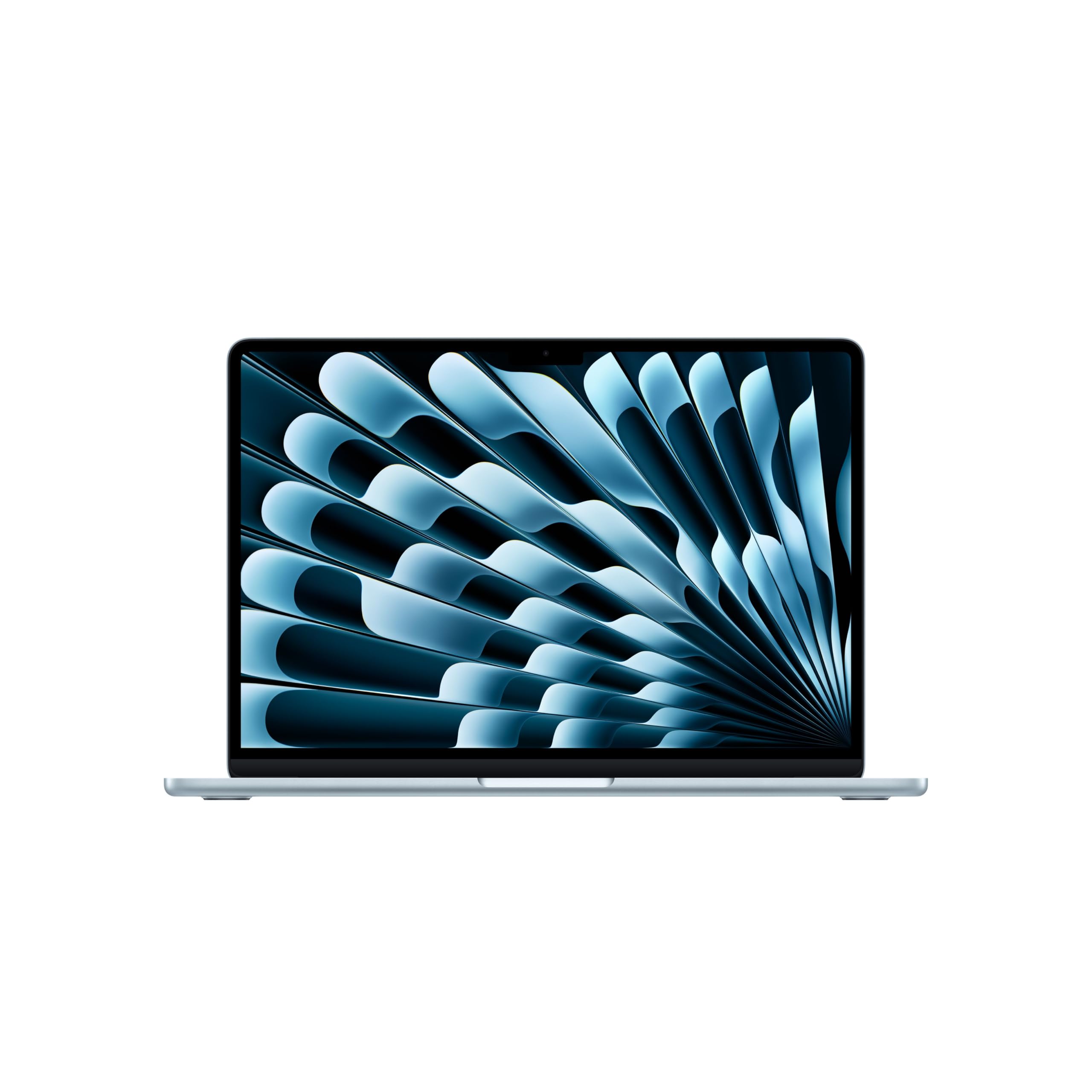
The MacBook Air M5 is still the safest buy for most people: quiet, fast, and finally 512GB by default.
Shortlistd Editorial
Editor

How to Choose a Laptop in 2026
By Editorial Team | April 2026
The 13-inch MacBook Air M5 is the easy pick for most people because it fixes the Air’s biggest annoyance: storage. At £988.97, it gives you 16GB of memory, 512GB SSD storage, Wi‑Fi 7, and a silent fanless design that still feels quick enough for real work.
Our picks at a glance
| Pick | Product | Price | Best for |
|---|---|---|---|
| Best overall | MacBook Air (13-inch, M5) | £988.97 | Commuting, office work, study, and everyday multitasking |
| Best upgrade | Dell XPS 14 9440 | £859.56 | Premium Windows feel, better keyboard and trackpad, light creative work |
| Best budget | MacBook Neo | £549.97 | Basic Mac ownership for browsing, docs, streaming, and classes |
Based on hands-on research, expert review consensus (RTings, Wirecutter, relevant subreddits), and current pricing.
Best overall: MacBook Air (13-inch, M5)
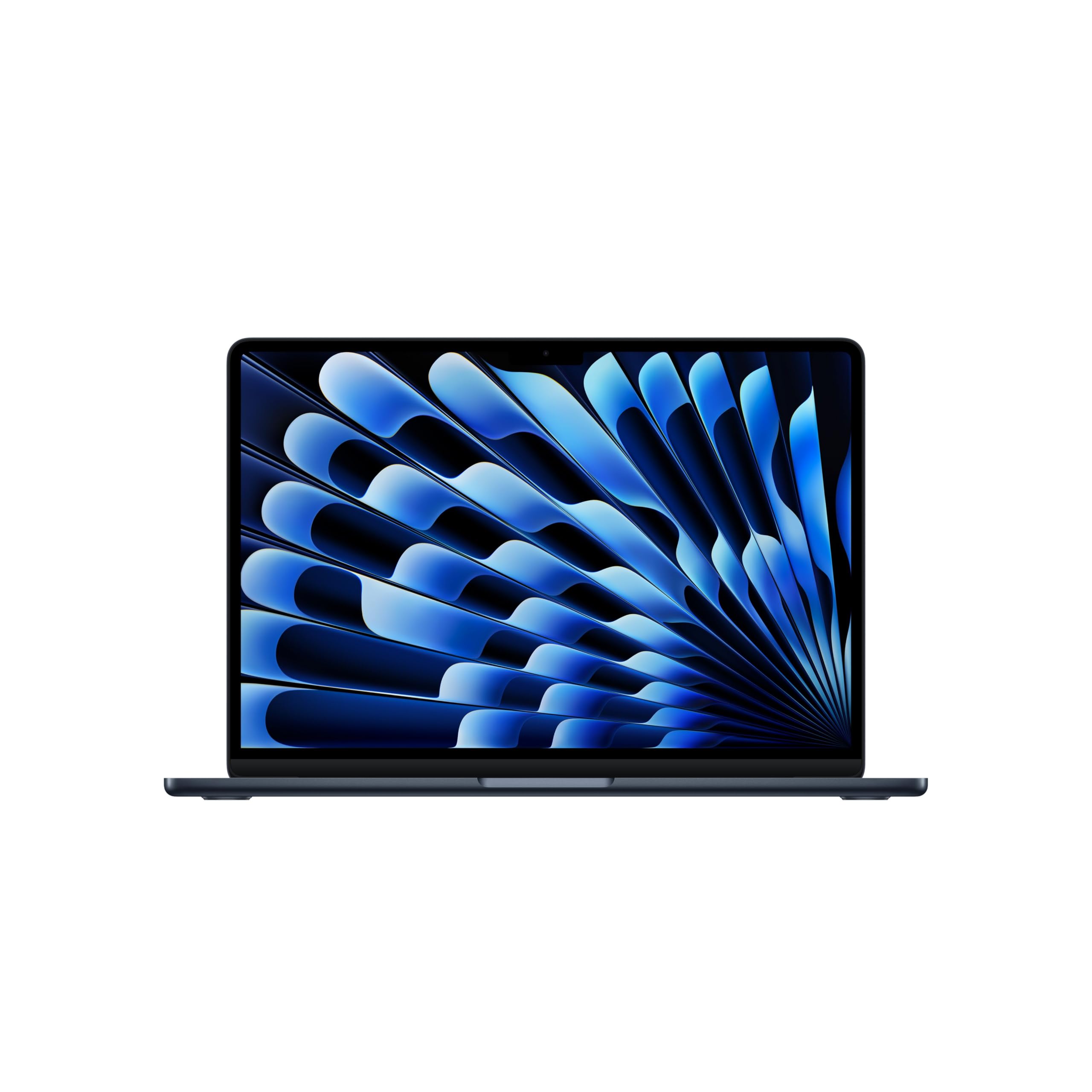
MacBook Air (13-inch, M5) — £988.97
This is the laptop you buy when you want one machine that stays out of your way. Our 8.7 score is deserved: the M5 chip, 16GB unified memory, and 512GB SSD make it a proper everyday laptop rather than a compromise machine.
Why we picked it:
- The M5 gives you enough speed for office work, lots of browser tabs, and heavier apps without the laptop feeling strained.
- 512GB should be the starting point on a main laptop, and Apple finally made that the base here.
- The 13.6-inch Liquid Retina display stays sharp and bright enough for long work sessions, while the fanless chassis keeps it completely silent.
The trade-off: it still has a 60Hz screen and the same old Air body, so this is not the laptop to buy if you want a more modern-looking panel or sustained pro graphics performance.
buy the MacBook Air (13-inch, M5) if you want the quietest, least annoying laptop for everyday work.
Best upgrade: Dell XPS 14 9440
Dell XPS 14 9440 — £859.56
The upgrade here is a better Windows experience, not raw power. You get a slimmer premium chassis, a stronger keyboard and trackpad, and a 14.5-inch 16:10 display that feels more spacious for documents and timelines than the MacBook Air’s smaller panel.
Worth it if: you prefer Windows, care a lot about typing and trackpad feel, and want a laptop that looks and feels more expensive than the spec sheet suggests.
Best budget pick: MacBook Neo
MacBook Neo — £549.97
This is the cheaper Mac that actually makes sense for light users. It keeps the good stuff — a sharp 13-inch Liquid Retina display, decent battery life, and better webcams and speakers than most budget Windows laptops — but you pay for it with 8GB RAM, 256GB storage, and a bare-bones port selection.
Worth it if: you mostly live in Safari, Mail, Docs, and streaming apps, and you want the lowest-cost way into macOS without buying a used machine.
How we chose
We prioritised real-world speed, storage that won’t feel cramped in six months, screen quality, battery sanity, and whether the laptop suits the way people actually work. We also checked current expert consensus from outlets like PCMag, Tom’s Guide, Macworld, and Expert Reviews to make sure the upgrade and budget picks reflect what is genuinely available and worth buying.
Frequently asked questions
Is the MacBook Air M5 worth the money? Yes, if you want a laptop that feels fast, stays silent, and lasts all day. It is the sensible choice for most buyers, not the exciting one.
Should you pay more for the upgrade pick? Only if you care about Windows or you want a better keyboard/trackpad experience than Apple’s Air gives you.
Will the MacBook Air M5 age well? Yes, because 16GB RAM and 512GB storage are a sane starting point, but the 60Hz display will always feel dated next to better panels.
Products in this article