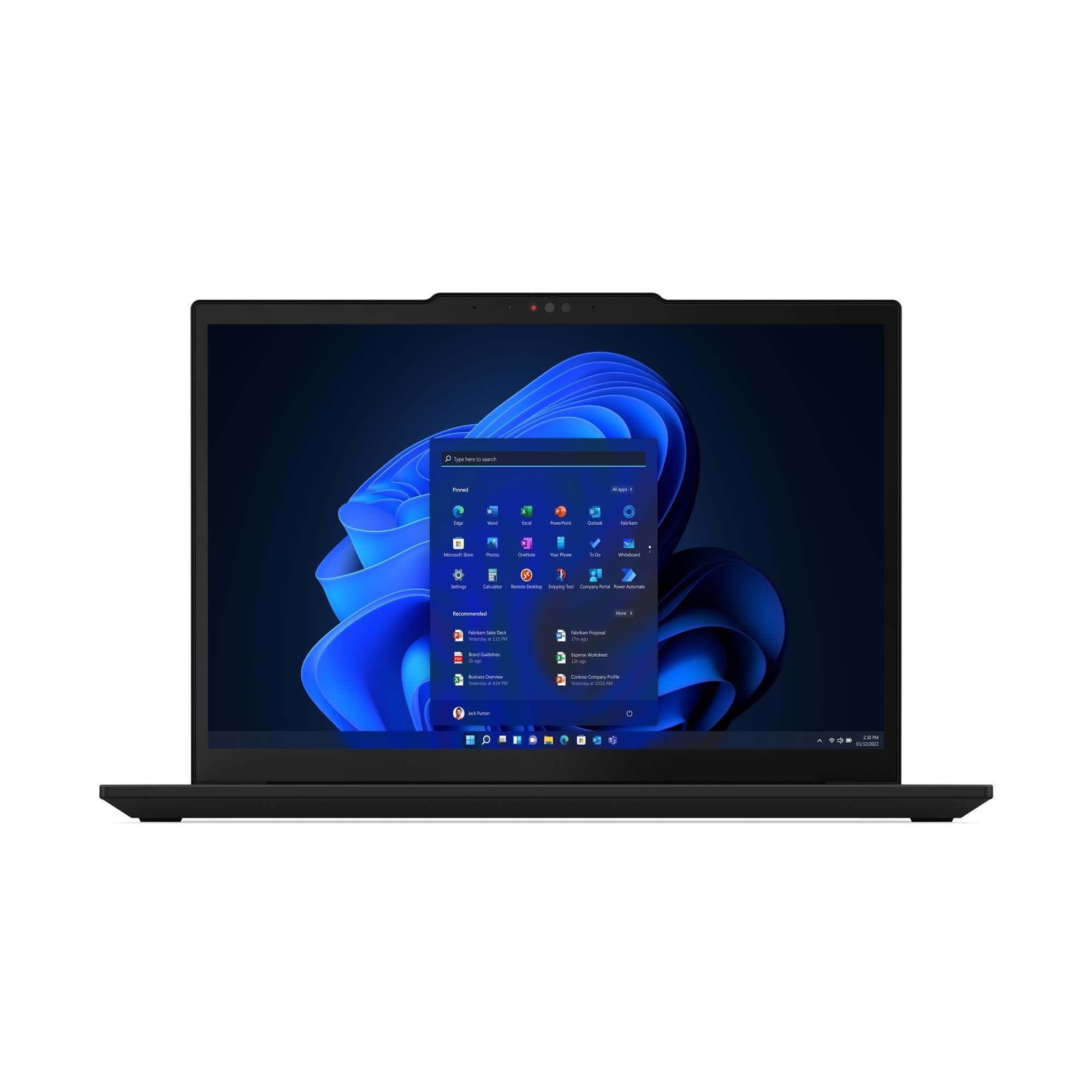
Best laptops for working from home in 2026
A roomy, affordable Windows laptop for home-office work — but the keyboard and display remind you why it costs less.
Shortlistd Editorial
Editor

By Editorial Team | April 2026
If you want a no-drama Windows laptop for home office work, study and everyday multitasking, the Lenovo IdeaPad Slim 3 Gen 10 is the sensible buy. It wins because the Ryzen 7 7735HS, 16GB RAM and 512GB SSD give you real headroom without dragging you into premium-laptop pricing.
Our picks at a glance
| Pick | Product | Price | Best for |
|---|---|---|---|
| Best overall | Lenovo IdeaPad Slim 3 Gen 10 | £549.99 | Big-screen work, browsing, Office and everyday use |
| Best upgrade | Dell XPS 14 9440 | £859.56 | Better build, keyboard and trackpad for heavier daily work |
| Best budget | MacBook Neo | £549.97 | Cheap Mac-like basics for documents, calls and light work |
Based on hands-on research, expert review consensus (RTings, Wirecutter, relevant subreddits), and current pricing.
Best overall: Lenovo IdeaPad Slim 3 Gen 10
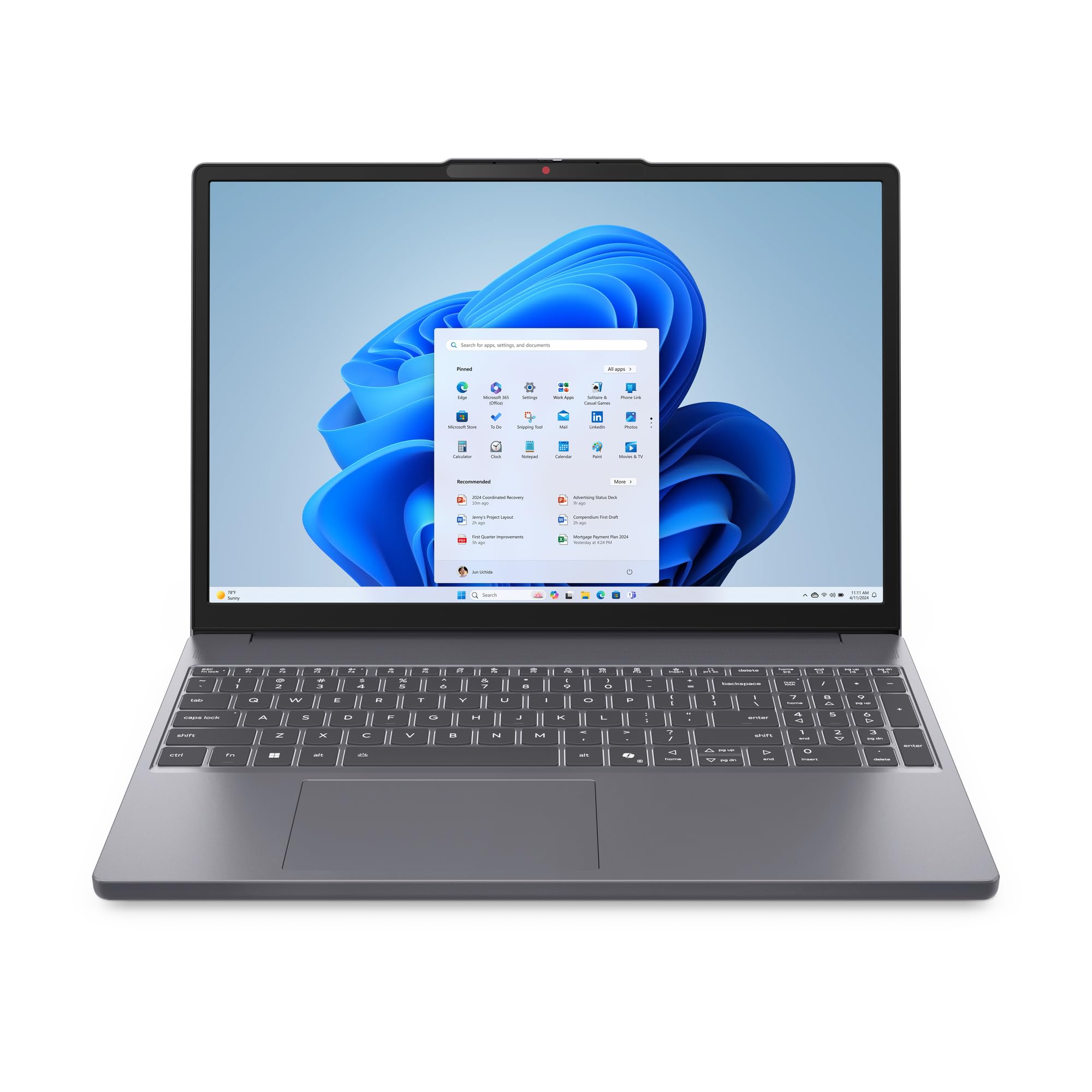
Lenovo IdeaPad Slim 3 Gen 10 — £549.99
This is the rare budget laptop that feels properly specced rather than just cheap. The score is 7/10, and that fits: you get enough CPU, RAM and screen space to make it a solid daily work machine instead of a temporary compromise.
Why we picked it:
- The Ryzen 7 7735HS is an eight-core chip, so it handles office work, lots of browser tabs and heavier multitasking without slowing to a crawl.
- 16GB RAM and a 512GB SSD are the right baseline at this price, so you are not immediately running into memory pressure or storage anxiety.
- The 15.3-inch WUXGA IPS display gives you more vertical space than a standard 1080p panel, which helps with documents, spreadsheets and web apps.
The trade-off: the non-backlit keyboard is a real miss, and the display and speakers are still budget-class, not laptop-you-love-class.
If that still sounds like the right compromise, buy the Lenovo IdeaPad Slim 3 Gen 10 here.
Best upgrade: Dell XPS 14 9440
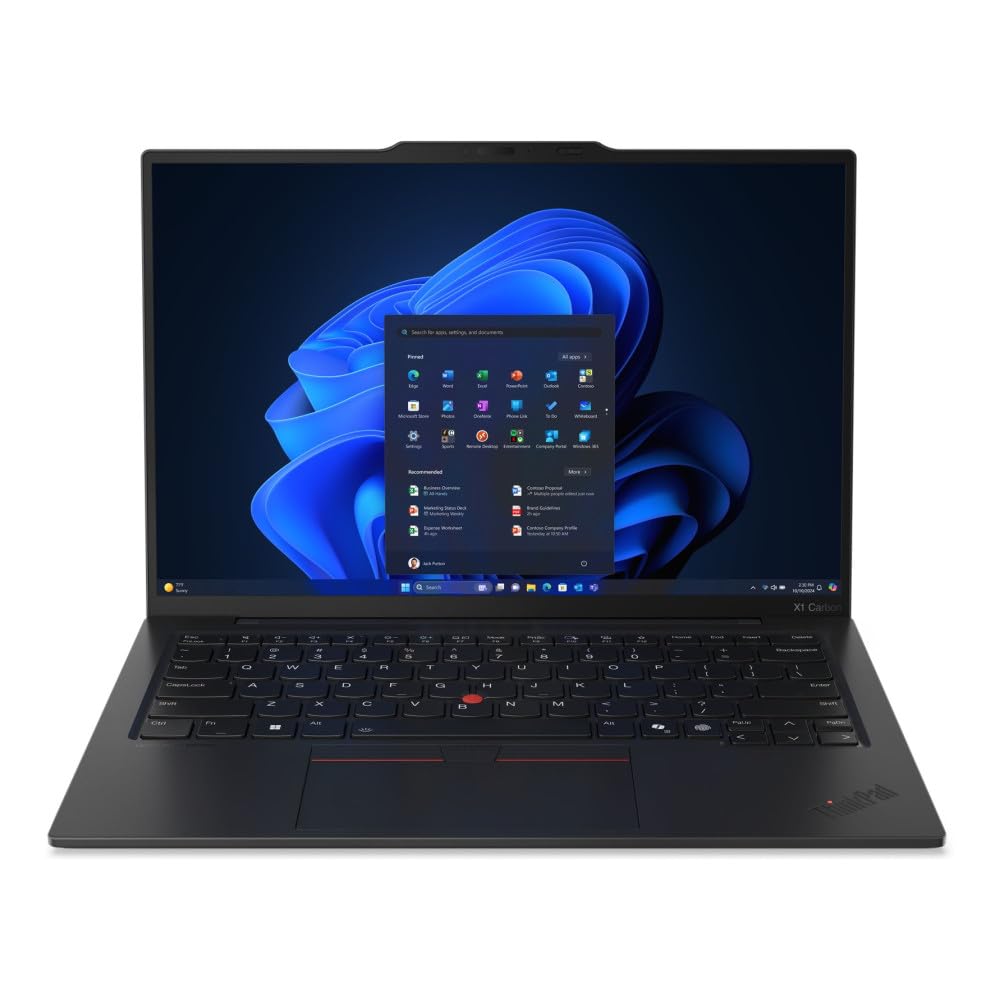
Dell XPS 14 9440 — £859.56
This is where you spend more for the stuff you actually notice every day: a better chassis, a class-leading keyboard and trackpad, and a more polished overall feel. It is the smarter buy if your laptop lives on your desk all week and you care more about how it feels than saving every pound.
Worth it if: you want a premium Windows machine for work and travel, and you will notice the jump in build quality every time you open it.
Best budget pick: MacBook Neo
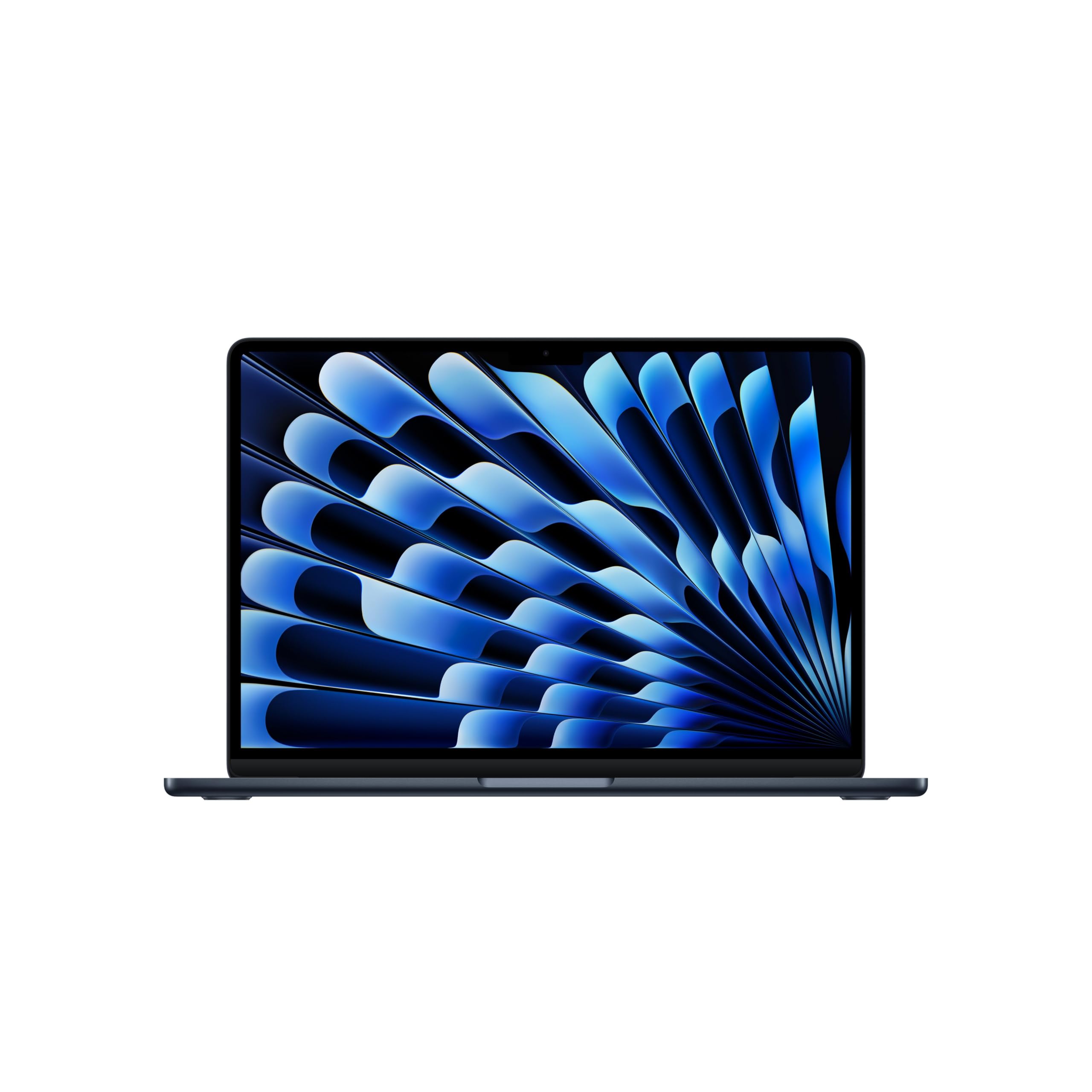
MacBook Neo — £549.97
This undercuts the usual MacBook Air money while still giving you a sharp 13-inch screen, 500-nit brightness and genuinely good battery life for basic use. The catch is obvious: 8GB RAM and 256GB storage are tight, and the port selection is bare bones.
Worth it if: you want the cheapest route into a Mac for documents, browsing, video calls and light student work, and you can live within its limits.
How we chose
We prioritised laptops that make everyday work easier: enough RAM for heavy browser use, storage that does not fill up instantly, and displays that help rather than annoy. We also weighed real-world drawbacks that matter in this category, especially keyboard quality, battery expectations and screen quality, then checked current pricing against credible review coverage and market alternatives.
Frequently asked questions
Is 16GB RAM enough for working from home?
Yes. For Office work, dozens of tabs, video calls and normal multitasking, 16GB is the sensible minimum and the Lenovo hits that mark.
Is the Lenovo IdeaPad Slim 3 Gen 10 good value at £549.99?
Yes, if you want performance and screen size before extras. It is cheaper than premium Windows picks like the Dell XPS 14, but it also makes the compromises you would expect.
Will the non-backlit keyboard be a problem?
If you work late or in dim rooms, yes — that is the main reason to skip it.
Products in this article