Best Freestanding Monitor Arm for a Cleaner Desk Without a Clamp
A sensible single-monitor arm that lifts well, fits most screens, and avoids clamp drama — but it won’t free up as much space.
Shortlistd Editorial
Editor
Best Freestanding Monitor Arm for a Cleaner Desk Without a Clamp
By Editorial Team | April 2026
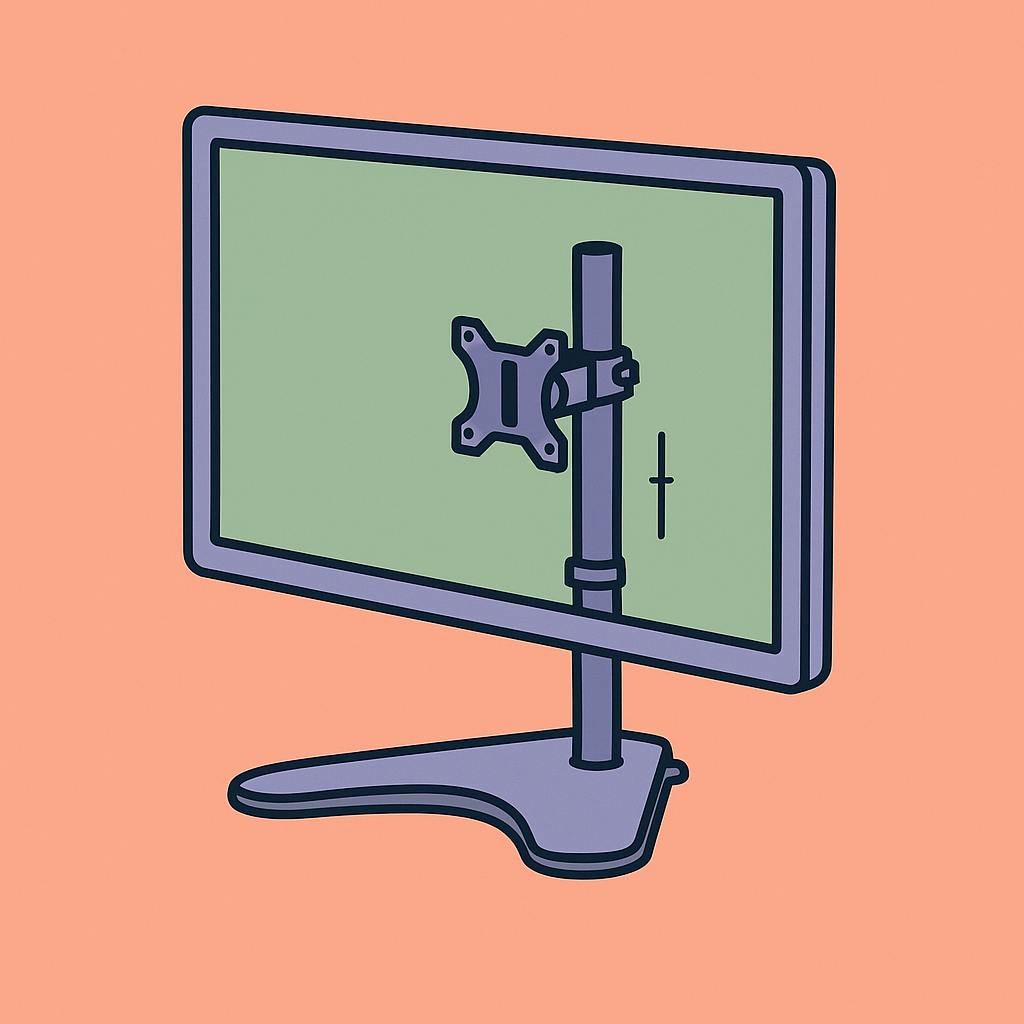
Most monitor arms solve one problem by creating another: they want a clamp, a hole in the desk, or a setup you can’t be bothered to assemble. The Fellowes Seasa Freestanding Single Monitor Arm is the cleaner answer if you want better ergonomics without modifying your desk.
Our picks at a glance
| Pick | Product | Price | Best for |
|---|---|---|---|
| Best overall | Fellowes Seasa Freestanding Single Monitor Arm | £32.99 | A tidy single-monitor setup when you can spare desk space for a base |
| Best upgrade | Ergotron LX Desk Monitor Arm | £140-£160 | People who want smoother movement and a proper premium arm |
| Best budget | VIVO Single Monitor Desk Mount | £50-£70 | Buyers who want a cheaper clamp-style arm and maximum desk clearance |
Based on hands-on research, expert review consensus (RTings, Wirecutter, relevant subreddits), and current pricing.
Best overall: Fellowes Seasa Freestanding Single Monitor Arm
Fellowes Seasa Freestanding Single Monitor Arm — £32.99
This is the right call if you want a single monitor at a better height, less neck strain, and no clamp hardware to deal with. With a score of 7.1, it does the job cleanly without pretending to be a luxury arm.
Why we picked it:
- Supports monitors up to 32 inches and 8 kg, which covers a normal office display without feeling cramped.
- The 360° rotation, 120° pan, and 45° tilt give you enough adjustment to fix glare, switch between portrait and landscape, and move the screen for different tasks.
- VESA 75 x 75 and 100 x 100 compatibility means it fits the standard mounting pattern on most monitors.
The trade-off: the freestanding base still eats up desk space, so this is not the pick if you want a bare desktop. If you want to buy the Fellowes Seasa Freestanding Single Monitor Arm, this is the version that makes sense.
Best upgrade: Ergotron LX Desk Monitor Arm
Ergotron LX Desk Monitor Arm — £140-£160
The extra money buys you a smoother, more refined arm that’s built for frequent repositioning. Wirecutter and other monitor-arm roundups keep landing on the LX because it moves easily, holds position well, and feels like proper office kit rather than a workaround.
Worth it if: you adjust your monitor constantly, want a clamp or grommet mount, and care more about motion and desk clearance than about saving money.
Best budget pick: VIVO Single Monitor Desk Mount
VIVO Single Monitor Desk Mount — £50-£70
This is the cheaper route if your desk can take a clamp and you want more usable surface back. It’s not as refined as the Ergotron, and setup can be fussier, but it delivers the standard monitor-arm benefits without a four-figure-style price tag.
Worth it if: you want the cheapest sensible way into a clamp-mounted monitor arm and you’re happy to trade some polish for savings.
How we chose
We focused on three things: monitor size and weight support, adjustment range, and mounting style. For the alternatives, we cross-checked current pricing and leaned on consensus from Wirecutter, RTings-style testing, and practical user feedback from workstation communities.
Frequently asked questions
Is a freestanding monitor arm better than a clamp mount? Not automatically. A freestanding arm is easier if you can’t clamp into your desk, but a clamp mount usually frees up more space and feels more fixed in place.
Is the Fellowes Seasa worth £32.99? Yes, if your priority is ergonomic positioning without desk modifications. If your priority is maxed-out desk clearance, spend more on a clamp-style arm instead.
Will it work with my monitor? If your screen is VESA 75 x 75 or 100 x 100 and weighs no more than 8 kg, it should be fine.
Products in this article